These terms of use constitute a binding legal agreement between Inspiria Ltd., company number 515667566 (hereinafter: "the company"), and any person or corporation that registers for the service, connects to it, receives access to it, or makes use of it. The very act of registering, logging in, accessing or using the service constitutes confirmation that the terms have been read and understood, as well as their acceptance and full and unqualified agreement to them. A person who approves these terms on behalf of a corporation declares and undertakes that he is authorized to bind that corporation. Anyone who does not agree to these terms may not use the service.
1definitions
Under these conditions:
1.1"The Company" - Inspiria Ltd., Company Registration No. 515667566;
1.2"The customer" - the person or corporation who contracted with the company or received access to the service for their business needs;
1.3"Authorized user" - an employee, contractor, dispatcher or other person whom the customer has permitted to use the service on his behalf;
1.4"end user" - any person who receives a service or interacts with Inspiria.AI within the framework of the use defined by the customer;
1.5"Customer data" - any information, document, content or data that the customer, an authorized user or an end user submits to the service, enters into it or allows access to it;
1.6"Personal information" - information relating to an identified person or an identifiable person;
1.7"The service" -Inspiria.AI service, about its interfaces, connections, capabilities and updates.
2The essence of the service
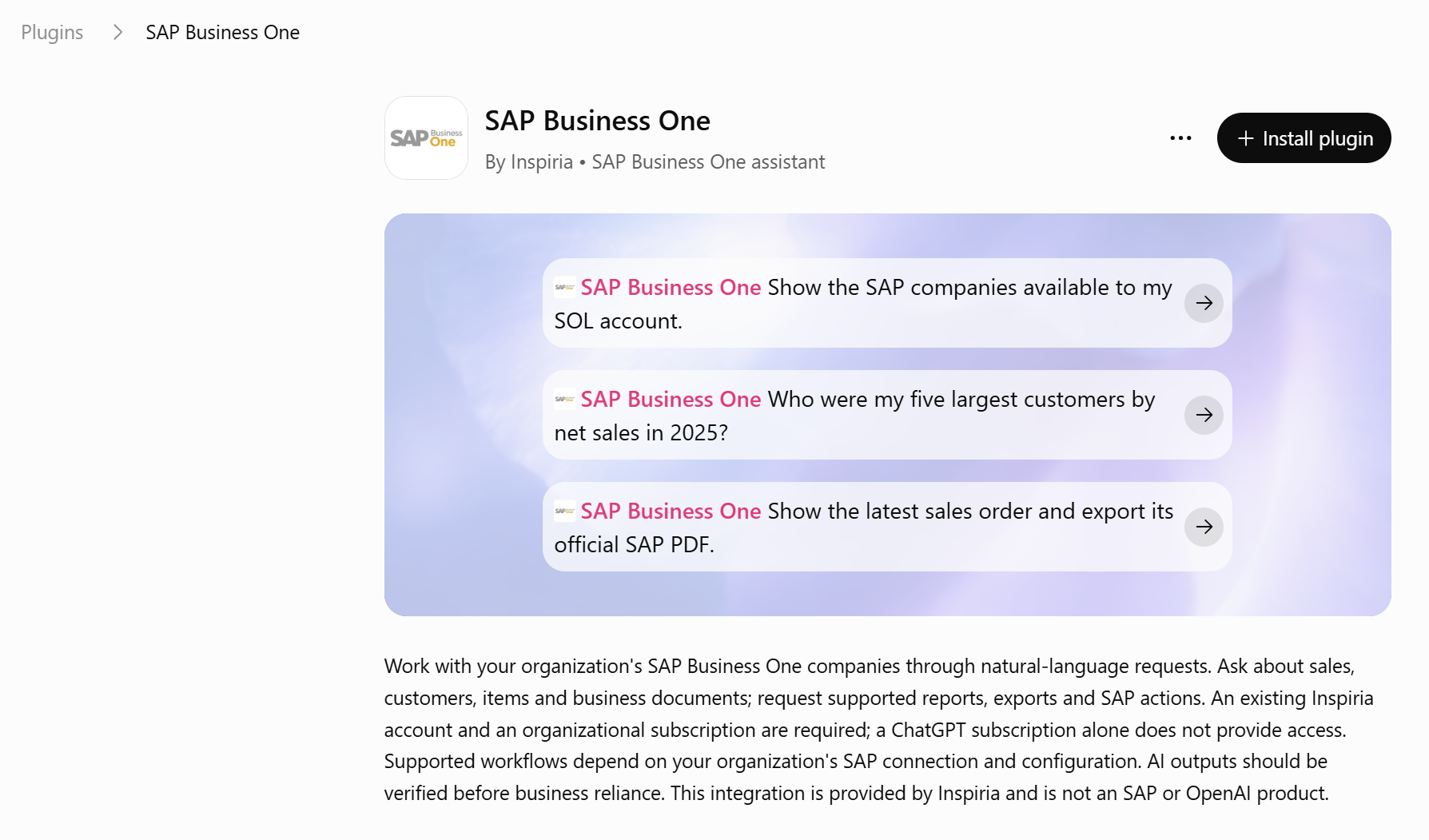
Inspiria.AI is an artificial intelligence-based software system, which serves as a business digital assistant and connects to the business and operational information and the systems that the customer chooses to connect to. The service allows, among other things, to present questions and requests in natural language; receive answers based on relevant customer information; produce reports and documents; promote tasks; receive notifications; and to activate or carry out operations and processes that have been defined and approved in advance. The service may include connection to SAP Business One and remote use, including via WhatsApp. The scope of the information accessible to the service and the operations that can be performed with it are determined according to the definitions, permissions and integrations approved by the customer. The service is designed to optimize the day-to-day work, reduce manual and repetitive operations and shorten the path between receiving information and performing an action.
3The right to use and changes to the service
Subject to payment of the full consideration and compliance with these conditions, the company grants the customer a limited, personal, non-exclusive, non-transferable and non-sublicensable right to use the service for its internal business needs and in accordance with the approved plan, quote or order. The consideration, usage quotas and billing conditions will be as detailed in the commercial document applicable to the customer. The company may update, change, add or subtract from the service capabilities, perform maintenance work and apply security updates. To the extent that a material change is expected to have a real impact on use, the company will make a reasonable effort to provide notice in advance, as far as this is practical. The company does not guarantee that the service will be available continuously, without interruptions or without faults.
3.1Fair and responsible use
The right to use the service is subject to the company's fair use policy, as updated from time to time, as well as the following instructions:
3.1.1The customer will make legal use of the service only and in accordance with these conditions. Do not use the Service to create, transmit, store or distribute illegal, harmful, threatening, defamatory, obscene, infringing or privacy-infringing content. The customer is responsible for the existence of a legal basis for the processing of the information and the delivery of private messages and disclosure regarding the use of artificial intelligence, insofar as this is required by law.
3.1.2The customer will not make use that imposes an unreasonable burden on the service, harms its security or substantially disrupts its operation or its availability to others. In case of exceeding a quota or unusual use, the company may demand the reduction or optimization of the use as well as slow down, limit or suspend the service, as required.
3.1.3The Service may rely on technology providers and third parties, including Azure OpenAI, and is also subject to their usage and safety policies. The company may limit or suspend certain functionality without prior notice, if this is required in order to comply with the aforementioned supplier requirement.
3.1.4The customer is responsible for adapting the Inspiria.AI settings to his needs, monitoring its operation and verifying the existence of human control in any case where an error could cause damage, risk or a material consequence.
3.1.5Customer and Authorized Users shall keep usernames, passwords and API keys confidential and secure, and shall notify Company without delay of any suspected unauthorized access or security incident.
3.2Service price update
The company may, from time to time and at its discretion, update or change the service prices, subscription fees, rates or payment terms applicable to the customer. In the event of such a change, the customer will be notified at least 30 days in advance, using the means of communication provided to the company. During the notice period, the customer will be entitled to notify the company of his desire to terminate the contract and stop using the service, and the contract will end no later than the date the new price comes into effect. The continued use of the service after the date of entry into force of the new price will be considered as the customer's consent to the updated price.
4Prohibited uses
Unless expressly permitted in writing by the company, the customer will not do and will not allow others to do any of the following: copy, change, distribute, publish, translate or create a derivative work of the service or part of it; reverse engineer or attempt to discover source code, model, algorithm or confidential component; sell, rent, lease, sublicense or make the service available as an independent product to a third party; remove a proprietary notice; inject malicious code; collect or extract information by automated means that have not been approved; bypass usage restrictions, permissions, access controls or security measures; or use the service in violation of the law or for a purpose for which it was not intended. This does not prevent end users from interacting with Inspiria.AI as part of the customer's normal business activities.
5Intellectual property and service products
All rights, ownership and interest in the service, including the software, models, interfaces, algorithms, databases, documentation and knowledge related to it, as well as all intellectual property rights accompanying them, are and will remain the property of the company or its licensors. The service is given to the customer under a license and is not sold to him. Products produced using Inspiria.AI are delivered "as they are" (AS IS), and the customer may use them within the scope of his business and subject to these conditions, after having tested them and found them suitable for his needs. The customer retains his full rights in the data, documents, templates and content he made available to the service.
6Customer data and privacy
The customer data is and will remain the property of the customer. The customer grants the company, for the duration of the contract, limited permission to process the customer's data only to the extent required for the provision of the service, its maintenance and security; providing support; troubleshooting; improving the operation of the service for the customer; fraud and abuse prevention; and compliance with the provisions of the law. The company will treat the customer's data as confidential information and will take reasonable and acceptable technical and organizational measures to maintain their privacy, security and integrity. The company may use sub-suppliers necessary to operate the service, subject to appropriate obligations. In the relations between the parties, the customer is responsible for the legal basis for processing personal information, for receiving the consents and for delivering the necessary notifications, and the company will act in accordance with its documented instructions and subject to applicable law, including the Privacy Protection Law, 1981 and its regulations. The customer will not provide the service with particularly sensitive information, including medical information, information about minors or sensitive financial information, except after coordination and receiving the company's prior written approval.
7Information security and saving messages
The company will implement reasonable administrative, technical and organizational safeguards designed to protect customer data. Without detracting from the above:
7.1It is not possible to delete, update or change information directly in the database from Inspiria.AI. Creating documents, updating data and performing operations in SAP are done using the official SAP API.
7.2The service includes a permissions mechanism and profiles, including permissions for senior users. Defining the permissions, managing them and using them are the responsibility of the customer and the users authorized on his behalf.
7.3In order to reduce exposure to information, only up to the last 50 messages are saved. Messages from an active user are automatically deleted after 30 days, and messages from a user blocked from the service are deleted after 7 days.
7.4If the company is informed of a material security incident concerning the customer's data, the company will notify the customer without unreasonable delay and will take reasonable steps to reduce the incident and handle it. The provision of such notice does not constitute an admission of liability on the part of the company.
8Users, permissions and integrations
The customer bears the sole responsibility for setting up users and closing them, for defining roles and privileges, for securing access details, for the correctness and completeness of the information and instructions he submits, as well as for determining and approving the actions that Inspiria.AI may perform. The company will not be held responsible for disclosure of information, unauthorized access, wrong routing or wrong action caused due to permissions or settings set by the customer; use of access information that was not properly maintained; Customer-controlled integration; or missing, incorrect or out-of-date information made available to the service. The use of the services and systems of third parties is also subject to their terms, policies and availability.
9suspension of service
The company may limit or suspend, immediately, all or part of the service, if at its discretion the customer or someone on his behalf has violated these terms; abuse the Service; materially exceed the usage limits; did not pay an amount due; endanger the security of the service, its stability or the rights of a third party; or violate the law or a mandatory requirement of a technology provider. As long as this is practical and does not create a risk, the company will inform the customer and allow him to correct the violation within a reasonable period of time. In an urgent case, the company may suspend the service first and give a notice shortly afterwards.
10Artificial intelligence technology and customer responsibility
The customer confirms that Inspiria.AI is based on artificial intelligence technology that operates in a probabilistic manner, and that by its very nature it may make a mistake, omit information, misinterpret a request, produce inaccurate, incomplete or out-of-date information, or suggest and even perform an action that is not in accordance with the user's intention. The service is not a substitute for human judgment and does not constitute legal, accounting, medical, financial or other professional advice. The customer is responsible for checking and verifying any answer, document, product or action before relying on or using them, and in particular before making a decision or performing an action of financial, legal, operational, safety or other significance. Any decision the customer makes, any action he requests or approves, and any use by him or someone on his behalf of the service products are his sole responsibility.
11Limitation of liability and indemnification
Subject to any law and to the maximum extent permitted by it, the company, its directors, employees and anyone on its behalf will not be held responsible for any damage, loss, expense or liability arising from or related to an error, omission or product of artificial intelligence; to rely on an answer or product; for missing, incorrect or outdated information that the customer made available to the service; for the action requested or approved by the customer; to manage users, permissions or access information; for leaking information that originates from the customer's settings or integration under his control; to a third party service; for illegal or unauthorized use; or to suspend the service in accordance with these terms. In any case, the company will not be held responsible for indirect, special, incidental or consequential damage, including loss of profit, income, business opportunity, reputation or information, or shutdown of activity. The total cumulative responsibility of the company in connection with the service, for whatever reason, will not exceed an amount equal to twice the last monthly payment that the customer actually paid for the service. These limitations shall not apply to warranties that cannot be excluded or limited by law. The customer will indemnify the company for any claim, demand, damage or expense of a third party arising from the customer's data, his instructions, violation of these terms or the law, or use of the service by the customer or someone on his behalf.
12Termination of the contract and general instructions
Either party may terminate the contract immediately by written notice to the other party. Upon termination of the contract, the customer's right to use the service will expire, without detracting from his obligation to pay amounts accumulated up to the termination date. Eligibility for reimbursement for advance payment, if any, will be determined according to the plan, order or price offer applicable to the customer. Provisions concerning intellectual property, confidentiality, privacy, liability and indemnification will continue to apply even after the termination of the contract, according to their nature. In the event of a conflict between these terms and an order or price offer approved by the parties, the commercial document will prevail only in relation to the specific commercial issue settled therein. The company may update these terms from time to time; Continued use of the service after the publication of the update or notification of it will be considered as consent to the updated version. The laws of the State of Israel will apply to these terms and any dispute arising from them or the service only, and the competent courts in Israel will have exclusive jurisdiction. If it is determined that any provision is invalid or unenforceable, this will not detract from the validity of the other provisions.
 Inspiria.