
Email and SMS
Sending documents and messages, as a PDF file or as a link, according to the distribution settings.

Inspiria.Sprint
Electronic signing, distribution of documents and messages by e-mail and SMS, tracking and archiving - in connection with SAP Business One.
Inspiria.Sprint centralizes the process and allows your team to work with order, accessibility and a clear picture of the distribution status.
Get to know the work environment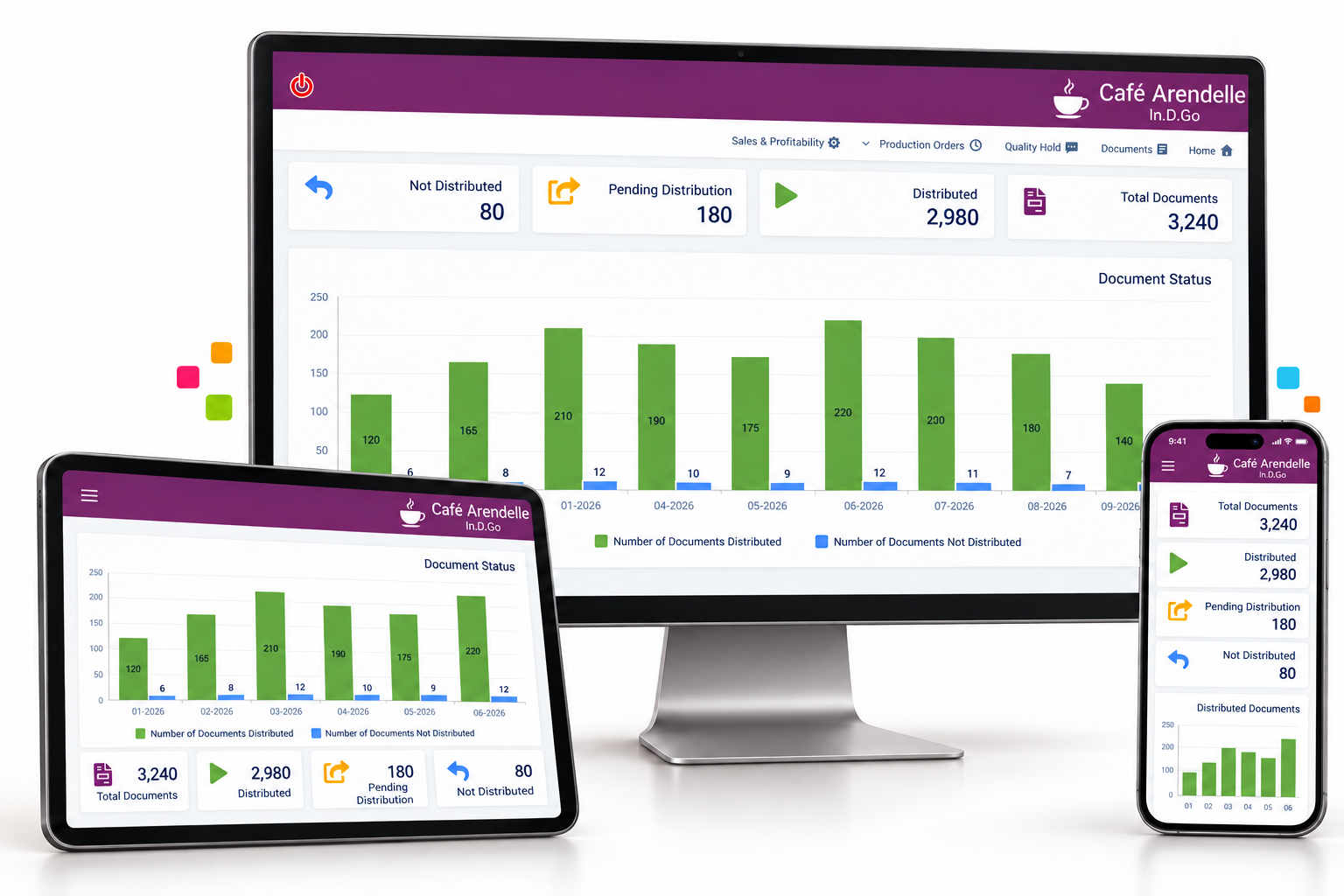
A business document continues the process even after its production. It is important to know who it was sent to, what its condition is and where it can be found later.
When the distribution and documentation is done as part of an orderly process, it is easier to continue follow-up and answer the request.Inspiria.Sprint connects the steps to a common work environment.
The goal is to free up the staff's time from transferring files and repeated inquiries to care that promotes the business relationship.
Sending documents and messages, as a PDF file or as a link, according to the distribution settings.
Adjusting the appearance of the document and the content of the message to each recipient, and using an email address from the sender's domain.
Clear and accessible content helps the recipient understand the message and proceed with the required action. We define the method of distribution with you as part of the business process.
Electronic signature on the selected documents, with the adaptation of the signing method to the organization's requirements.
Defining the process in advance allows the team to act consistently: which documents are intended for document signing, how they are distributed and how to continue their follow-up.
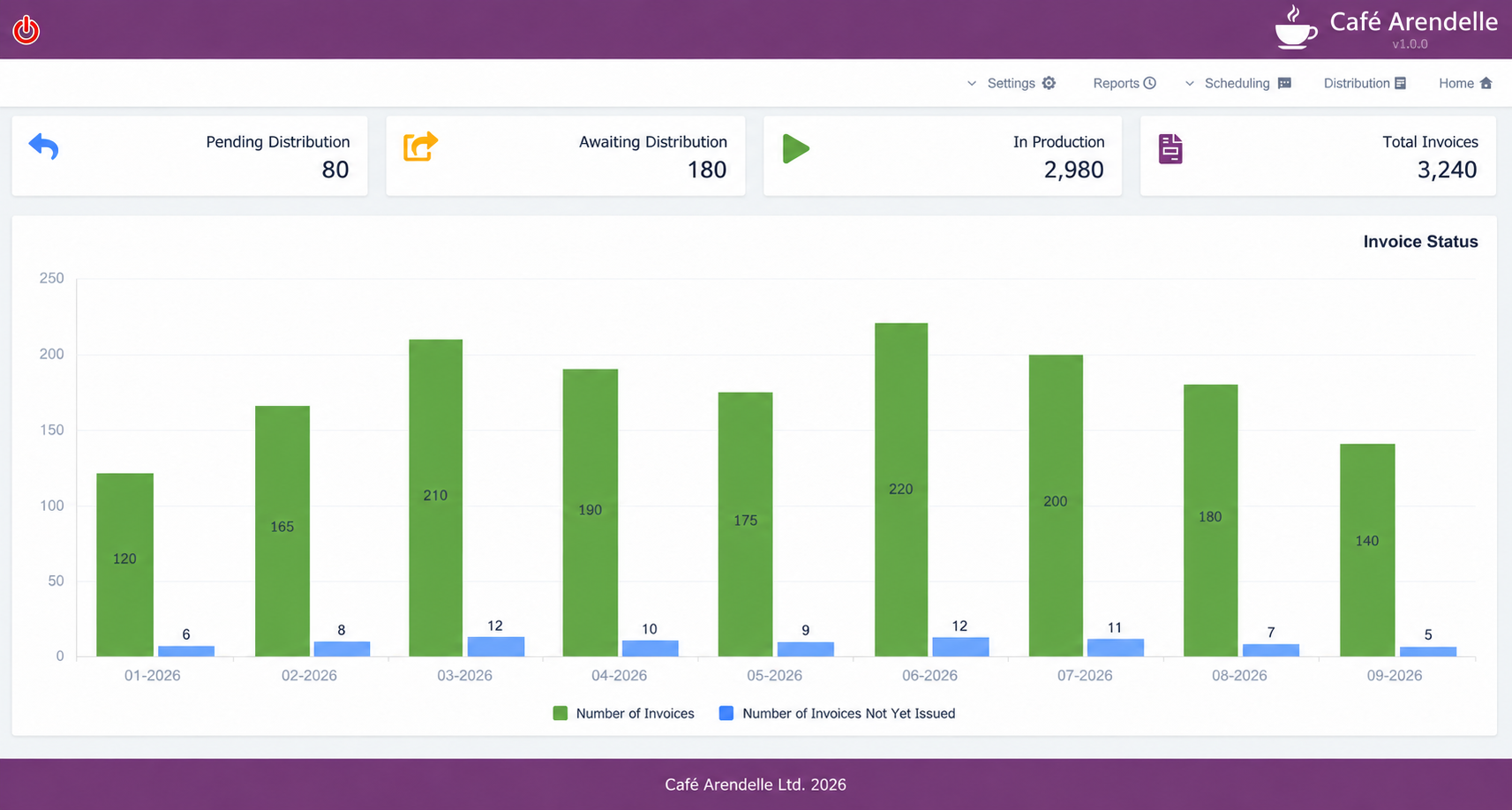
Dashboard and statuses centralize documents that have been distributed and documents that are awaiting processing.
Information about opening the link and reading the document, and the possibility of a tailored response from the recipient.
Centralized information supports the continuity of follow-up even when several officials are involved. The staff can check the status of the document before the next contact and focus on what still needs answering.
Archive for sent documents, with options for sorting, labeling, filtering and searching.
When a client requests a document or when you need to check previous activity, the search is part of the work environment. The centralization of the documents helps to maintain order and the continuity of the service.


Expertise in SAP Business One and familiarity with the company's needs, from requirements analysis to implementation and support.
We define the documents, recipients and communication with you, and connect the solution to the work routine. One team accompanies the system and the connection to SAP.
Let's talk about your documentsWe start with the way in which the documents go through you: who produces, who receives, and what follow-up is required after sending. Together we define recipients, types of documents and content of messages, so that the distribution will be integrated into the ongoing work at SAP Business One.
After the distribution, the staff can use the statuses and the archive to locate a document and follow the continuation of the follow-up. Instead of searching in files and mailboxes, the information is concentrated and helps to give a clear answer to the customer.
Our familiarity with finance and service processes allows us to connect the technological settings with the business need, and to guide the people who work with the system.